Is FreshBooks the Secret to Scaling Your Startup’s Finances?
Dr. Ananya Mehta
Jan 3, 2026
Stop Treating Invoices as Paperwork—They’re Your Fastest Path to Runway Extension
Most startups don’t “need more accounting.” They need faster cash conversion. FreshBooks turns invoices into an automated cash flow system—without the complexity tax many founders pay early on. While Invoiced excels at enterprise-grade accounts receivable orchestration and dunning across large portfolios, FreshBooks is better suited for founders who need a simple, AI‑assisted way to create invoices, capture time, accept payments, and reduce Days Sales Outstanding (DSO) without hiring a finance team. Our analysis: for service-driven early-stage companies, setup-to-first-payment can happen in a single work session.
Step 1: Configure FreshBooks for Cash Flow, Not Just Compliance
- Create your account and choose the plan that matches client volume. FreshBooks’ entry tiers cap active clients; pick a tier that covers the next 2–3 quarters of growth.
- Brand your invoices. Add logo, color, business info, and payment terms (e.g., Net 15 for startups; shorten if your sales cycle is long).
- Set taxes and currency. Configure default sales tax/VAT and currency at the business level to prevent invoice-level errors later.
- Enable online payments. Connect Stripe/PayPal and turn on bank transfer/ACH to reduce fees relative to cards. Add partial payments if you take deposits.
- Add products/services. Preload your standard billable items, units (hour, project, retainer), and default rates so invoices populate in one click.
- Import or add clients. Include billing contact, address, tax ID, and PO requirements. Tag “VIP,” “Pilot,” or “Annual” for later reporting.
- Turn on reminders and late fees. Configure automated nudges (e.g., 3, 7, and 21 days past due) and a modest late fee after a grace period.
- Invite your accountant with view-only access. Schedule monthly reconciliations to keep books investor-ready.
Step 2: Core Features That Move the Needle
- Invoicing and Estimates-to-Invoice
- Build estimates and convert to invoices on acceptance. Use deposits (e.g., 20%) to fund kickoff. Practical: For a $10k pilot, request $2k due on receipt, balance Net 15.
- Recurring and Subscription Billing
- Automate monthly retainers or SaaS-style invoices. Add automatic reminders to curb churn-caused delays.
- Time Tracking to Billables
- Track team time by project/task; mark entries billable and push to invoices with one click. Useful for agencies and product teams doing services work.
- Expenses and Receipt Capture
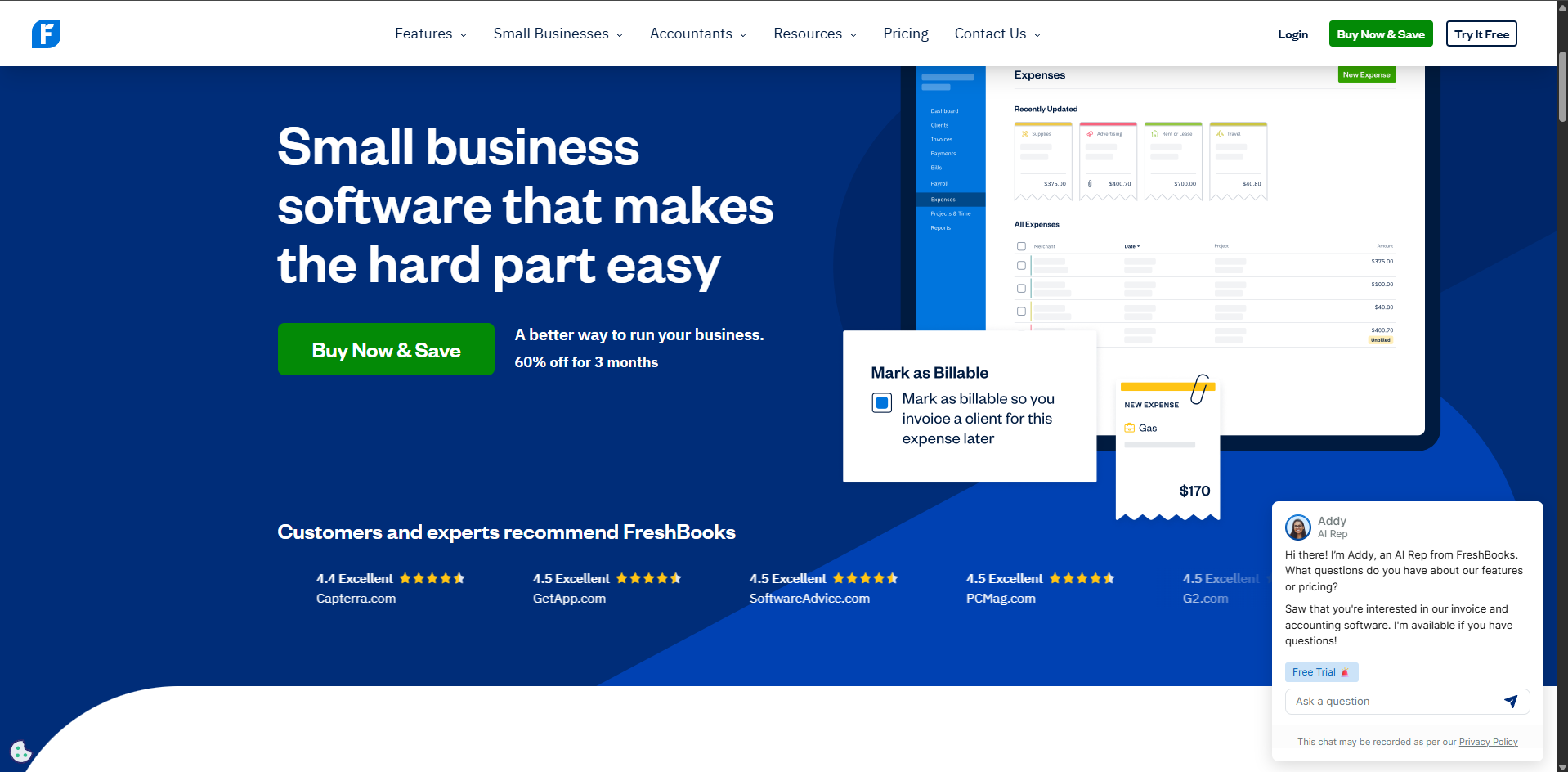
- Snap receipts via mobile, categorize, set tax treatment, and pass through billable expenses to clients. Prevents margin leakage.
- Reporting and A/R Aging
- Use A/R Aging, Revenue by Client, and Payments Collected to spot slow payers and concentration risk. Track DSO monthly.
Our recommendation framework:
- Target invoice creation time: under 3 minutes
- DSO: under 30 days for services; under 45 for enterprise pilots
- On-time payment rate: above 85% Measure baseline for one month, then iterate.
Step 3: Pro Tips for Startup Operators
- Quote-to-Cash Playbook
- Standardize: Estimate → Deposit invoice (due on receipt) → Milestone invoices. Use partial payments to de-risk scope creep.
- Smart Reminder Cadence
- 3 days before due: friendly reminder
- 1 day after: actionable nudge with payment link
- 7/21 days after: firmer tone; add late fee at day 21
- Payment Mix Optimization
- Enable ACH for large invoices to lower fees; keep cards for speed on small tickets. Communicate preferred method on the invoice footer.
- Multi-Currency & Tax Hygiene
- Set defaults per client. If you invoice EU/UK, confirm VAT settings. Avoid “fixing” taxes on each invoice.
- Investor-Grade Reporting
- Tag invoices by product line or segment. Export monthly summaries and include DSO trend in investor updates.
- Scale Signal
- If past-due balances mount across hundreds of accounts or you need complex dunning, evaluate Invoiced for advanced workflows while keeping FreshBooks for day-to-day invoicing simplicity.
Common Mistakes to Avoid
- Defaulting to Net 30 without reason
- Shorten to Net 7–15 for pilots. Pair with deposits to improve cash runway.
- Ignoring unbilled time and expenses
- Review weekly. Automate billable flags and push to invoicing every Friday.
- Paying avoidable fees
- Don’t enable only cards. Turn on ACH, and for >$5k invoices, nudge clients to bank transfer.
How It Compares to Alternatives
- Invoiced: While [Invoiced] excels at enterprise A/R—automated dunning, payment portals, cash application, and multi-entity controls—FreshBooks is better for founders who need quick setup, time tracking, simple expense pass-through, and lightweight A/R. Pricing: FreshBooks generally has a lower entry price but may limit active clients on lower tiers; [Invoiced] is typically priced for mid-market/enterprise needs.
- QuickBooks/Xero: Stronger for full-spectrum accounting, inventory, and payroll integrations. FreshBooks wins on ease of use for service billing and getting paid fast without a bookkeeper on day one.
Conclusion: Is FreshBooks Right for You?
If your current pain is slow invoicing, unbilled time, and late payments—not multi-entity A/R complexity—FreshBooks is an efficient, founder-friendly choice to cut DSO and boost runway with minimal setup. If you manage large portfolios, complex collections, or require advanced dunning and cash application, shortlist Invoiced. For the rest, FreshBooks delivers exactly what early teams need: fewer clicks to cash. That’s real Founder Fuel for the journey ahead.
Learn more: https://www.freshbooks.com
READY TO ACCELERATE?
VISIT FRESHBOOKS